 blumanta
PortHole: External Monitor
Resolution, Layout & AirPlay

 Mac · macOS 13.0 or later · £1.99 / $1.99
PortHole is a Mac menu bar app that fixes blurry or wrong-resolution external monitors in one click, saves display layouts and handles AirPlay. £1.99, one-time.
New in 1.2: save named display layouts and switch setups in one click. Fix blurry external monitors instantly. One-time purchase, no subscription, no tracking.
Screenshots
Mac
About PortHole
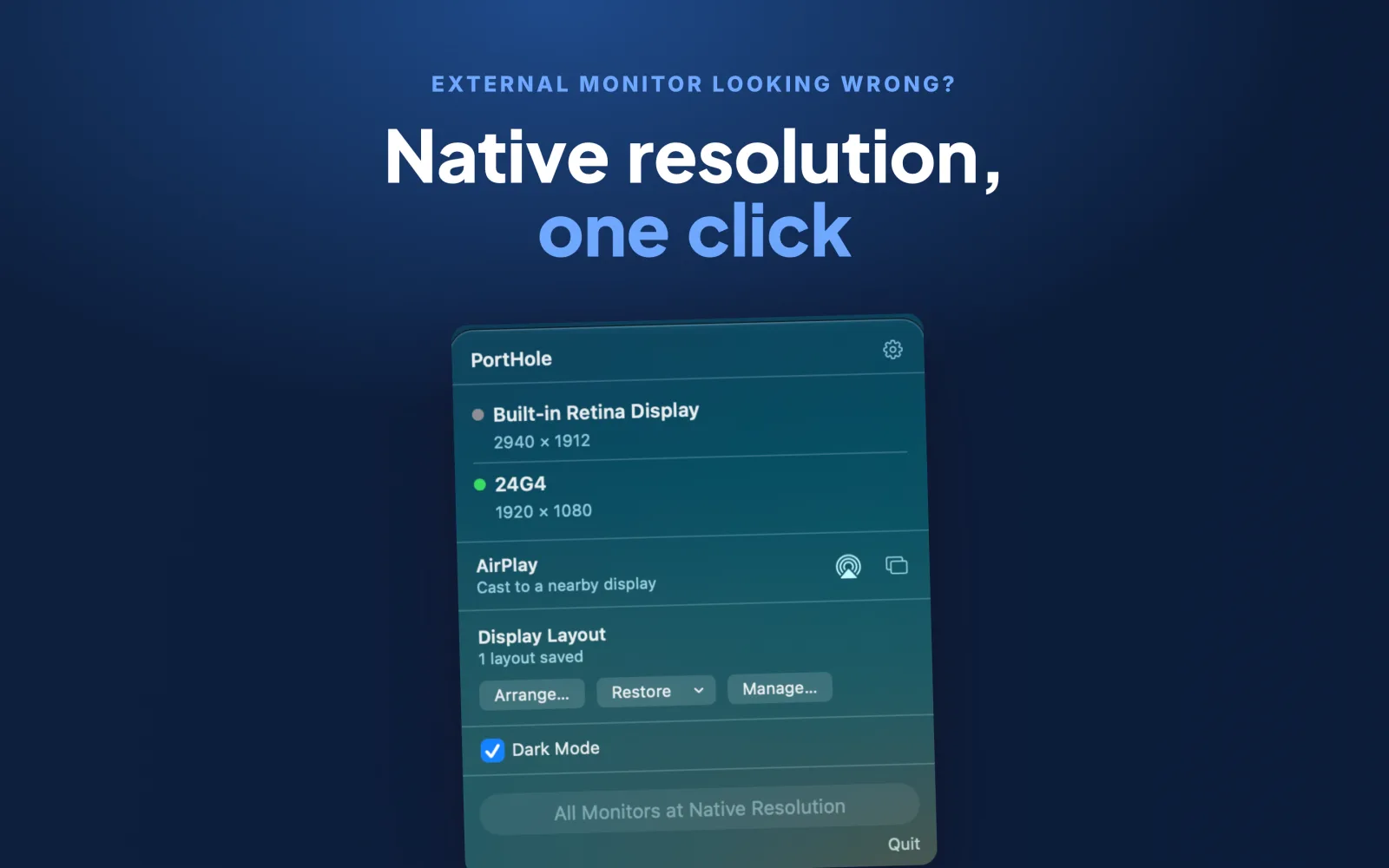
External monitor looking blurry, stretched or just wrong? PortHole fixes it from your menu bar in one click.
Resolution fix
macOS frequently connects to an external monitor at the wrong resolution — upscaled, the wrong aspect ratio, or just not the panel's native mode. PortHole detects every connected display, compares its current resolution against its native one, and fixes any mismatch in a single click — or automatically the moment a monitor connects, if you turn that on. Your built-in display is left alone: a deliberately scaled Retina resolution isn't a bug.
Named display layouts
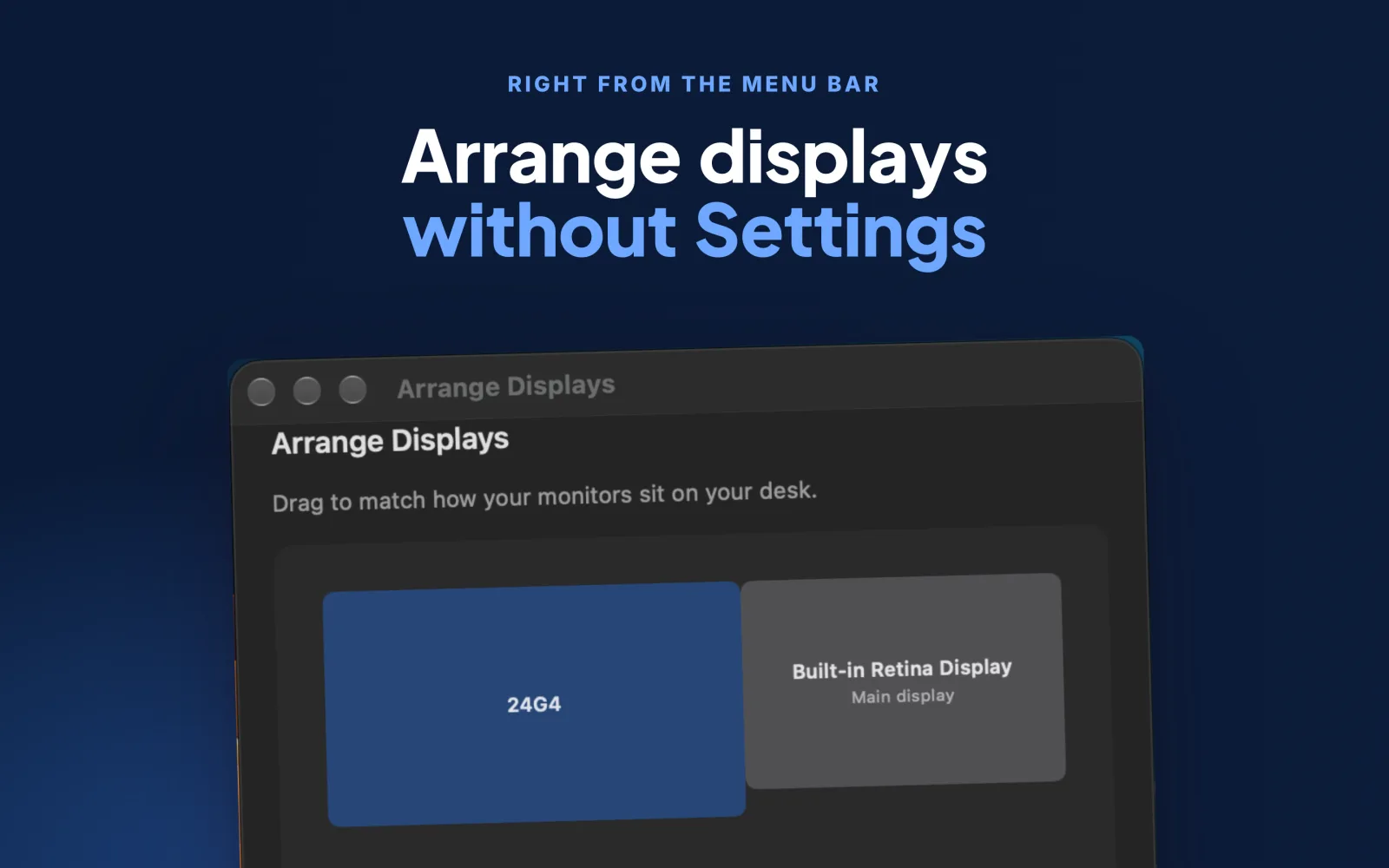
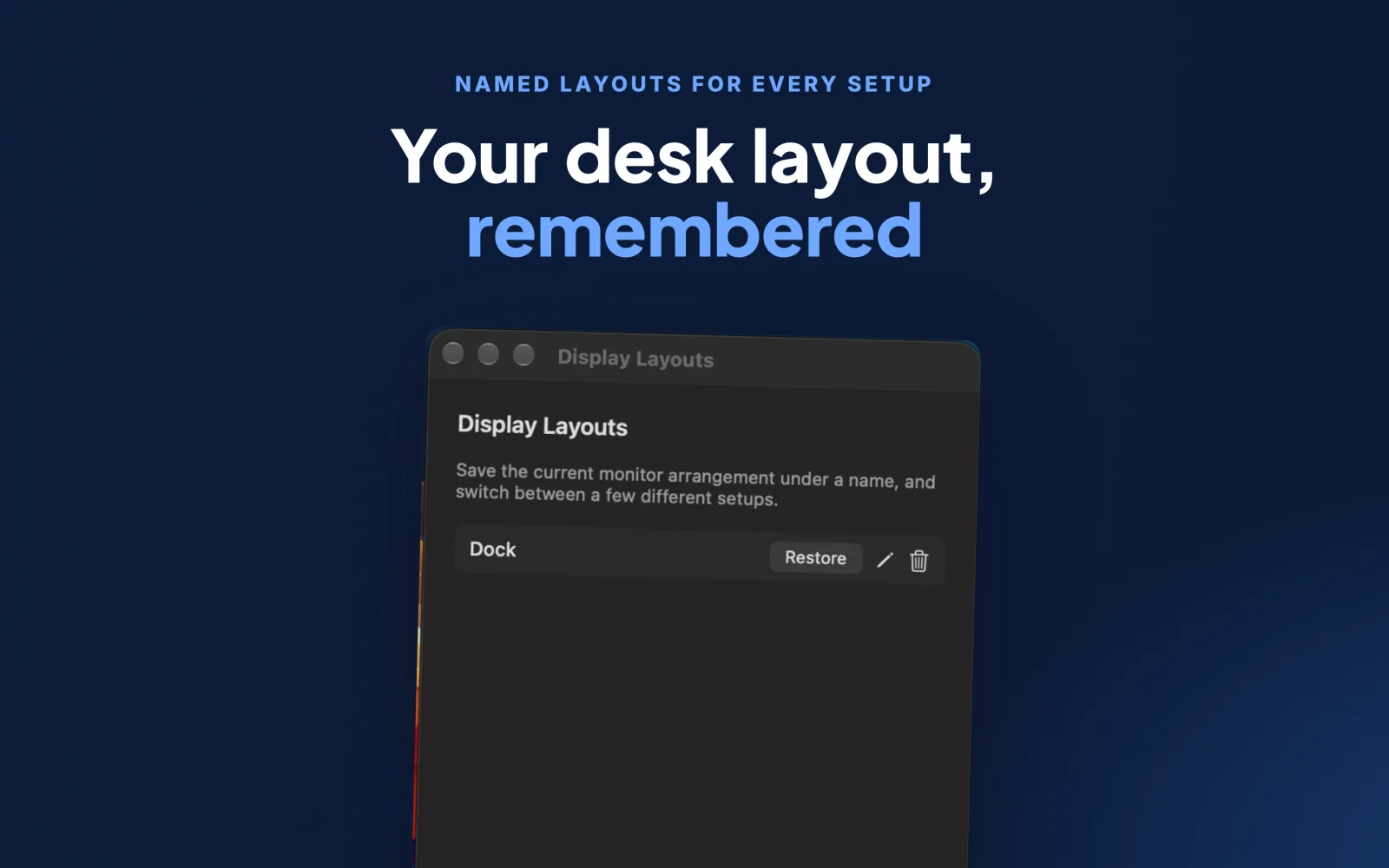
Save as many monitor arrangements as you like — "Desk", "Office Dock", "Living Room TV" — and restore any of them instantly from the menu bar. Ideal if you move between docks, or your Mac forgets your arrangement after sleep, wake, or a monitor power cycle. You can also arrange displays by dragging them directly in PortHole, no trip to System Settings needed.
AirPlay
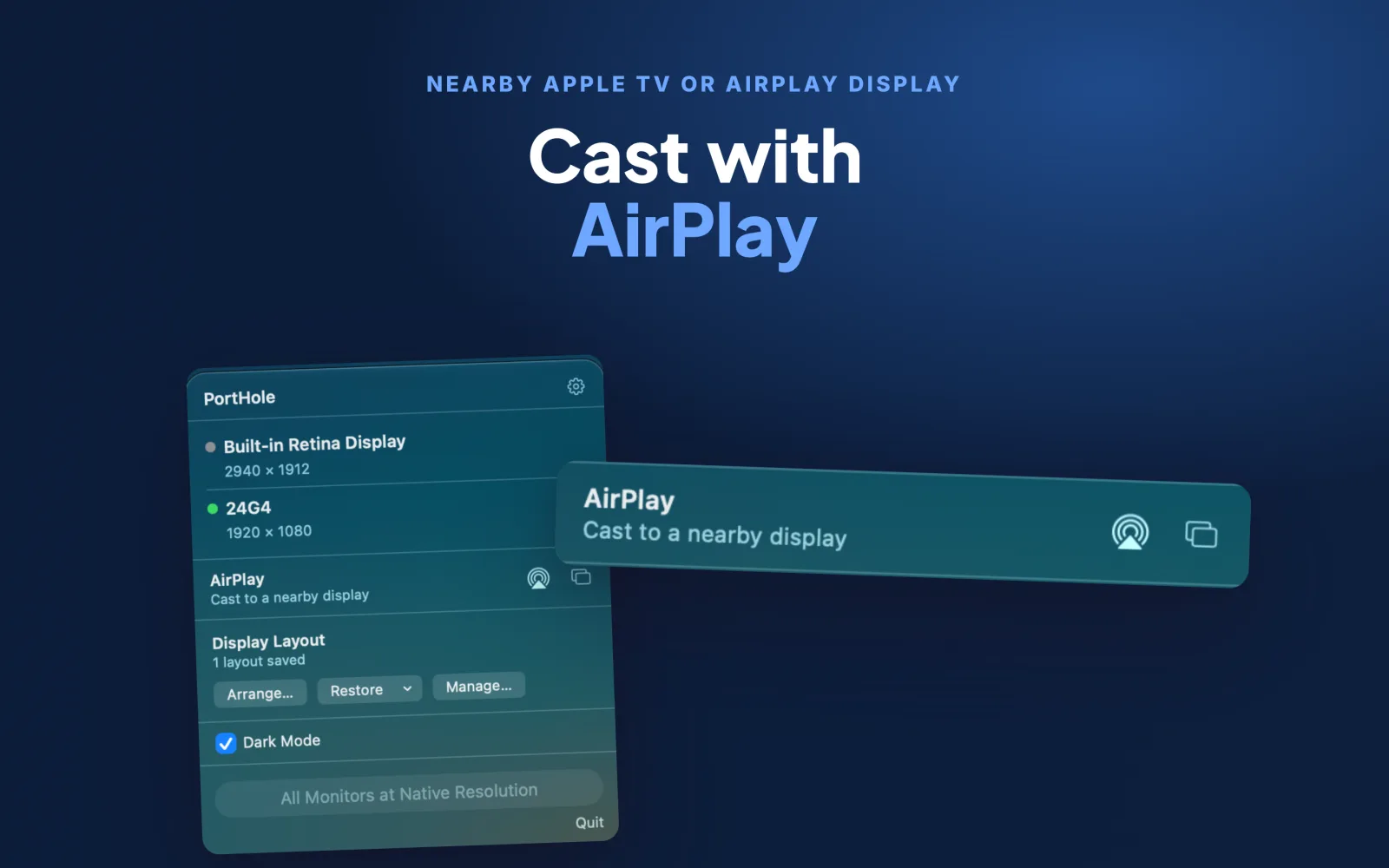
Cast to a nearby Apple TV or AirPlay-capable display using the same system route picker as QuickTime and Music, plus a one-click shortcut into System Settings for full screen mirroring.
Also
- Dark Mode toggle right in the menu
- Launch at login
- Works with an external monitor as your main display
Privacy
No account, no tracking, no data collected. One-time purchase, no subscription.